Free Webinar
Less Drafting, More Lawyering: LOIS for Word Live Demo
You already know the drill: open a blank Word doc, pull up an old filing for reference, copy-paste, reformat, double-check, repeat. LOIS for Word changes that. In this live demo, you'll see how LOIS for Word drafts motions, discovery, and briefs directly from your Filevine case data, complete with your firm's formatting, pleading paper styles, and jurisdiction-specific layouts. No generic AI output. Documents that look like yours, ready in minutes.
One of the biggest things customers are seeing right now is LOIS for Word's ability to learn your document formatting. Upload a template, from a California pleading with numbered margins to a brief with specific header styles, and LOIS for Word mimics it. Tables, structure, even the small details that make your work product yours. It's not just faster drafting, it's drafting you don't have to redo.
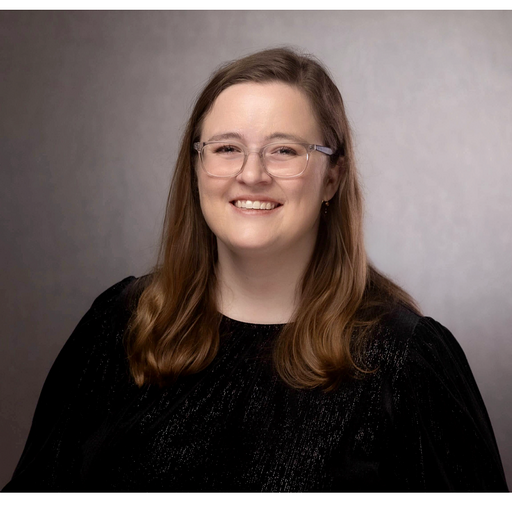
Join us for a hands-on walkthrough led by Filevine's Grace Brigham, plus live Q&A with the team.
Register for this Webinar
Who is Speaking in this Webinar?
What You'll See in This Live Demo:
- Your Templates, Your Way: How saved prompts and uploaded documents let LOIS for Word mirror your firm's exact formatting. Pleading paper, captions, headers, and all.
- From Case Data to Court-Ready Draft: Watch LOIS for Word pull from your Filevine case file and produce polished motions, discovery, and briefs in minutes.
- Tables, Structure, Precision: See how LOIS for Word handles complex formatting like tables, numbered pleading paper, and jurisdiction-specific layouts.
- Built for How You Work: Why LOIS for Word keeps you in Microsoft Word with AI that assists your process, not replaces it.
- Live Q&A: Get your questions answered in real time by the Filevine team.
